
CASE STUDY · Field & Site Operations
Bringing field and site operations into one place
Work done in the field, visible in the office at the same time. Two approaches we built to bring telecom and fiber field operations, from daily work entries and crew plans to materials and production, into a single system.
- Sector
- TELECOM & FIELD OPERATIONS
- What we built
- Custom software · Business systems
- Status
- Live demo
Whose problem?
Companies that run many crews, projects and materials at once on telecom and fiber infrastructure work. From crew leaders in the field to operations and accounting in the office, different people see different parts of the job.
- Field crews and crew leaders working on different projects on the same day
- Project and company managers who plan, check and approve the work
- The warehouse side tracking materials, vehicles and equipment
- The office preparing timesheets, progress payments and reports
What was the problem?
In the field, work moves fast; information ends up scattered across messages, photos and separate spreadsheets. Which crew is doing what and where, which job is waiting for approval, where a material went: often visible only at the end of the day, pieced together by hand.
- Daily work stays in messages and paper forms
- Crew, vehicle and staff plans are rebuilt every morning
- Project progress (sheets, cabinets, cable, excavation) can't be followed in one place
- Material issues and custody records don't match the stock
- Production, timesheets and progress payments are collected by hand at period end
How did we approach it?
We started from the flow of a day in the field rather than from screens: crew plan in the morning, work entries during the day, review and approval in the evening, reports at period end. The aim: whoever sees a piece of information first can enter it directly, and everyone sees only what is useful to them.
- Thinking in roles: crew leaders, project managers and company managers see different things
- Quick entry on the phone in the field, bulk review on the desktop in the office
- A clear approval flow: draft, submitted, approved or rejected
- Collecting records around progress payment periods
Two approaches to the same problem
We solved the problem for two different ways of working: a SaaS that several companies can use in their own space, and a management system set up around one company's way of working. These are not two packages to choose from; they are two architectural choices for the same problem.
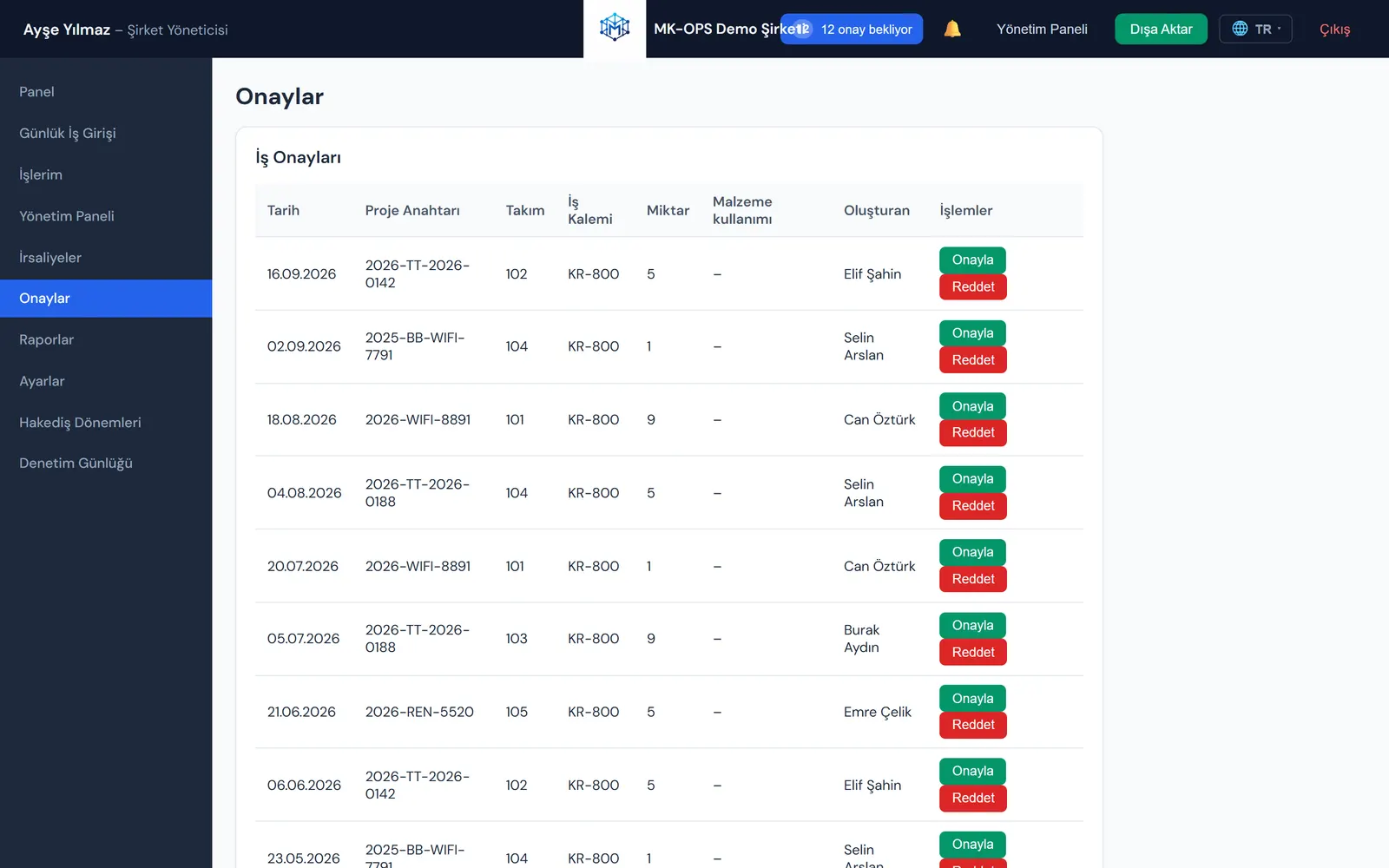
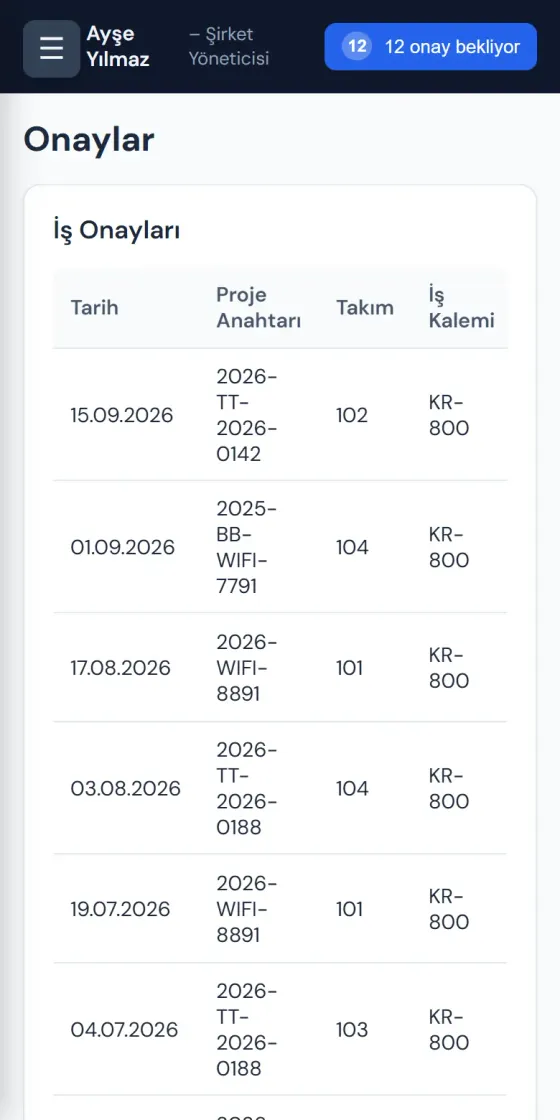
A multi-tenant SaaS approach: each company manages its crews, projects, field work and approvals in its own isolated workspace.
- Per-company data isolation and role-based permissions
- Daily field work entry and approval flow
- Material delivery notes and stock tracking
- Crew earnings, company share and progress payment periods
- Audit log, Excel and PDF reports
- Interface in Turkish, English, German, French and Spanish
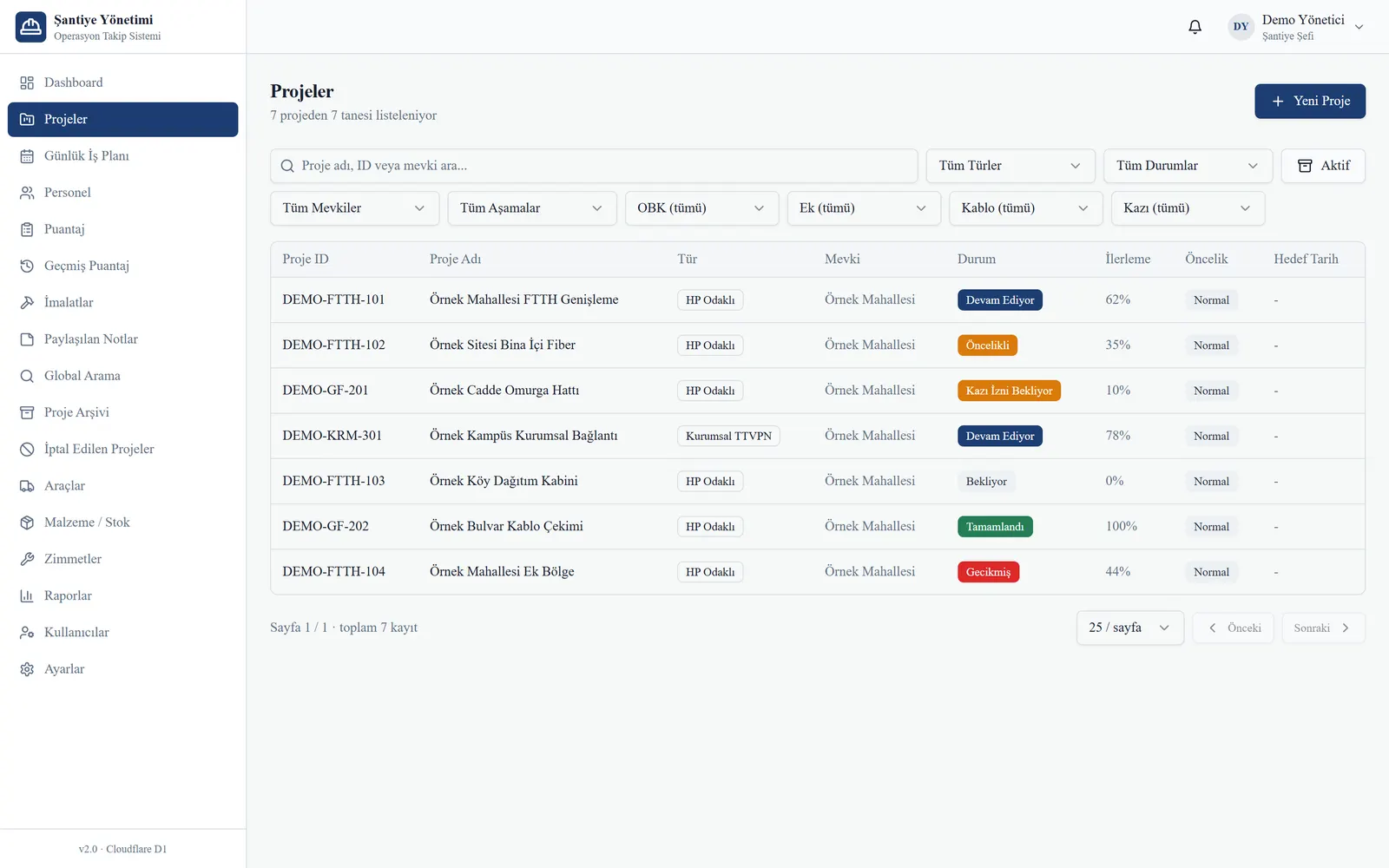
A panel set up around one company's operations: from the stages of fiber projects to the daily crew plan, it follows the company's own way of working.
- Project tracking: type, status, progress, OBK, splice, cable and excavation stages
- Daily work plan and crew templates
- Production entries and date-range production reports
- Timesheets and progress payment summary
- Materials, stock, custody and vehicle records
- Approved user registration and secure session management
The resulting system
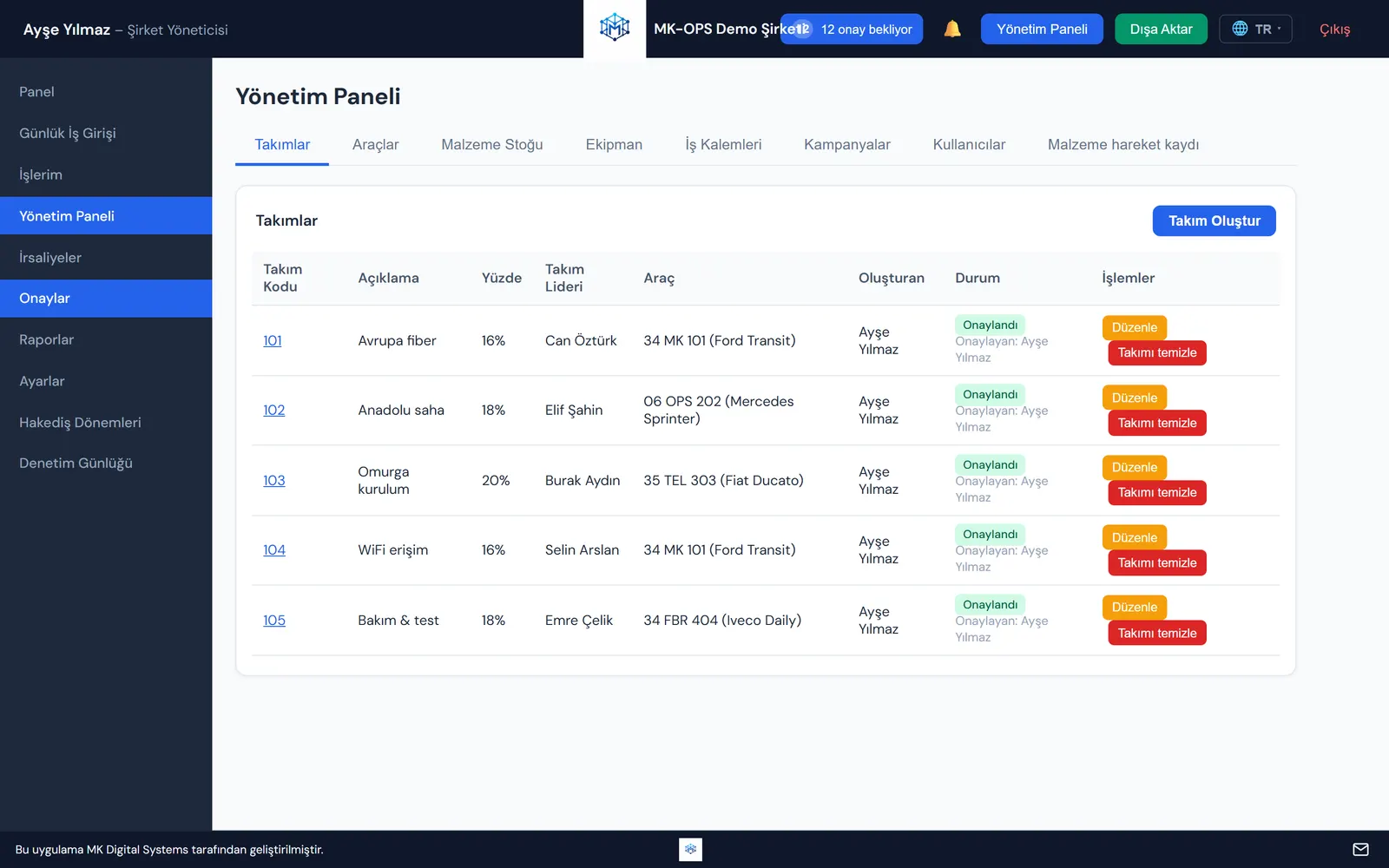
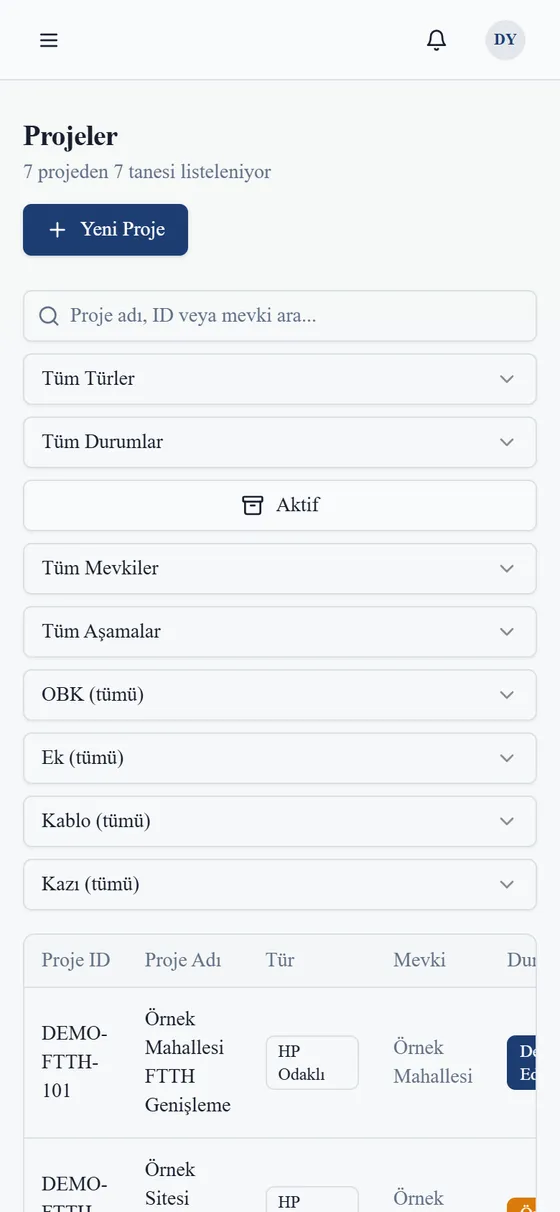
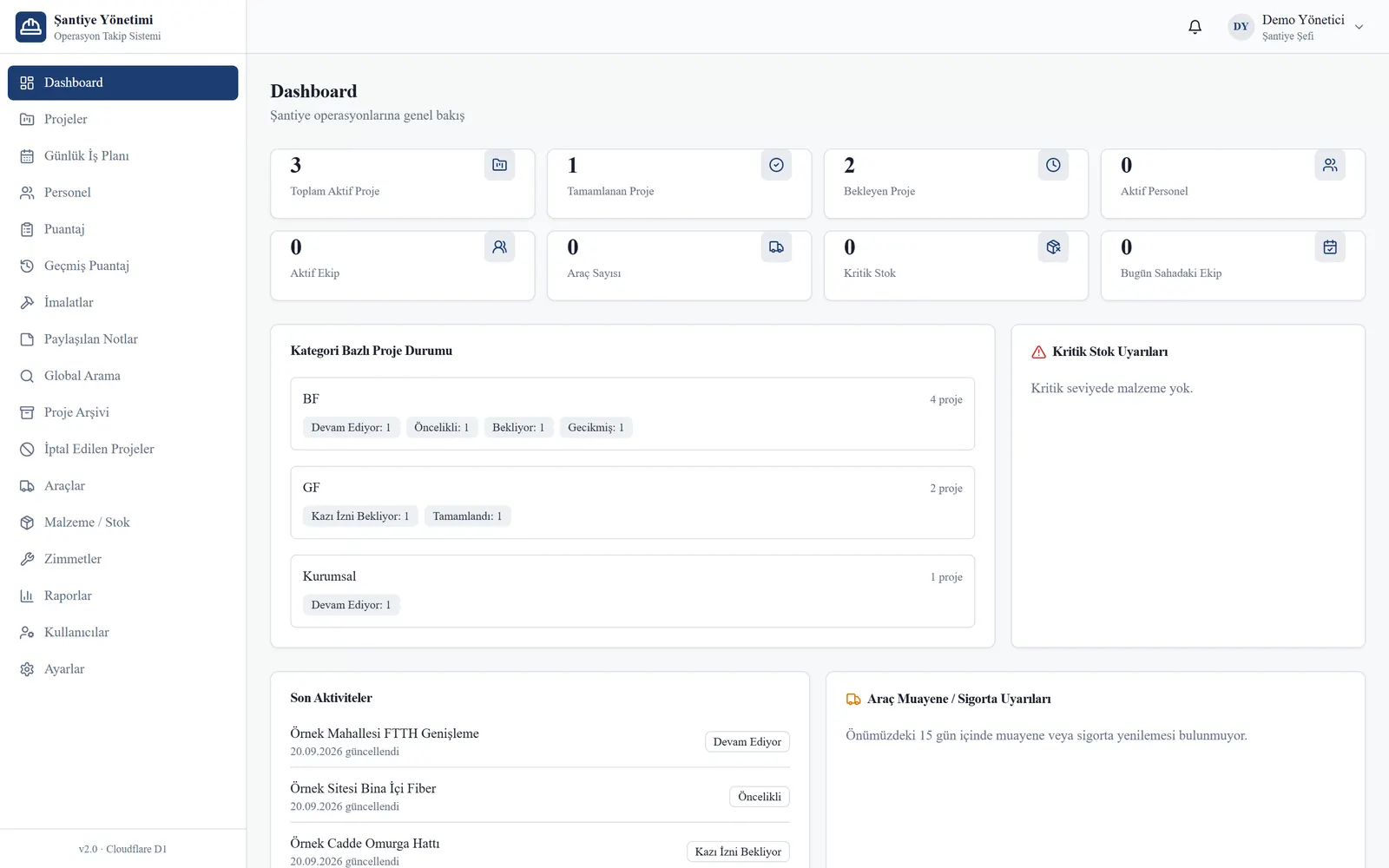
All records on these screens are sample data; they contain no real people, companies or projects.
Core modules
Daily work entry and approval
Work done in the field is recorded the same day; a manager approves it or asks for a correction from one list.
Crews and daily work plan
Which crew goes to which project with which vehicle is planned every morning in a few steps.
Project and progress tracking
Sheet, cabinet, cable and excavation stages of fiber projects are followed with a progress percentage.
Production records
Crews' daily production is entered per work item and reported by date range.
Materials, stock and custody
Material issues, delivery notes and staff custody are kept together with the stock.
Vehicles and equipment
Vehicles, equipment and document dates in one place, with alerts for upcoming inspections and insurance.
Timesheets and progress payments
Attendance, advances and period payments are calculated from the same records.
Roles and reports
Each role sees its own screens; reports export to Excel, PDF or Word.
Where is it today?
- MK OPSLive demoMK OPS · Product websiteMK OPS · Open live demo
- Şantiye YönetimIn active use
Related work
Related solutions
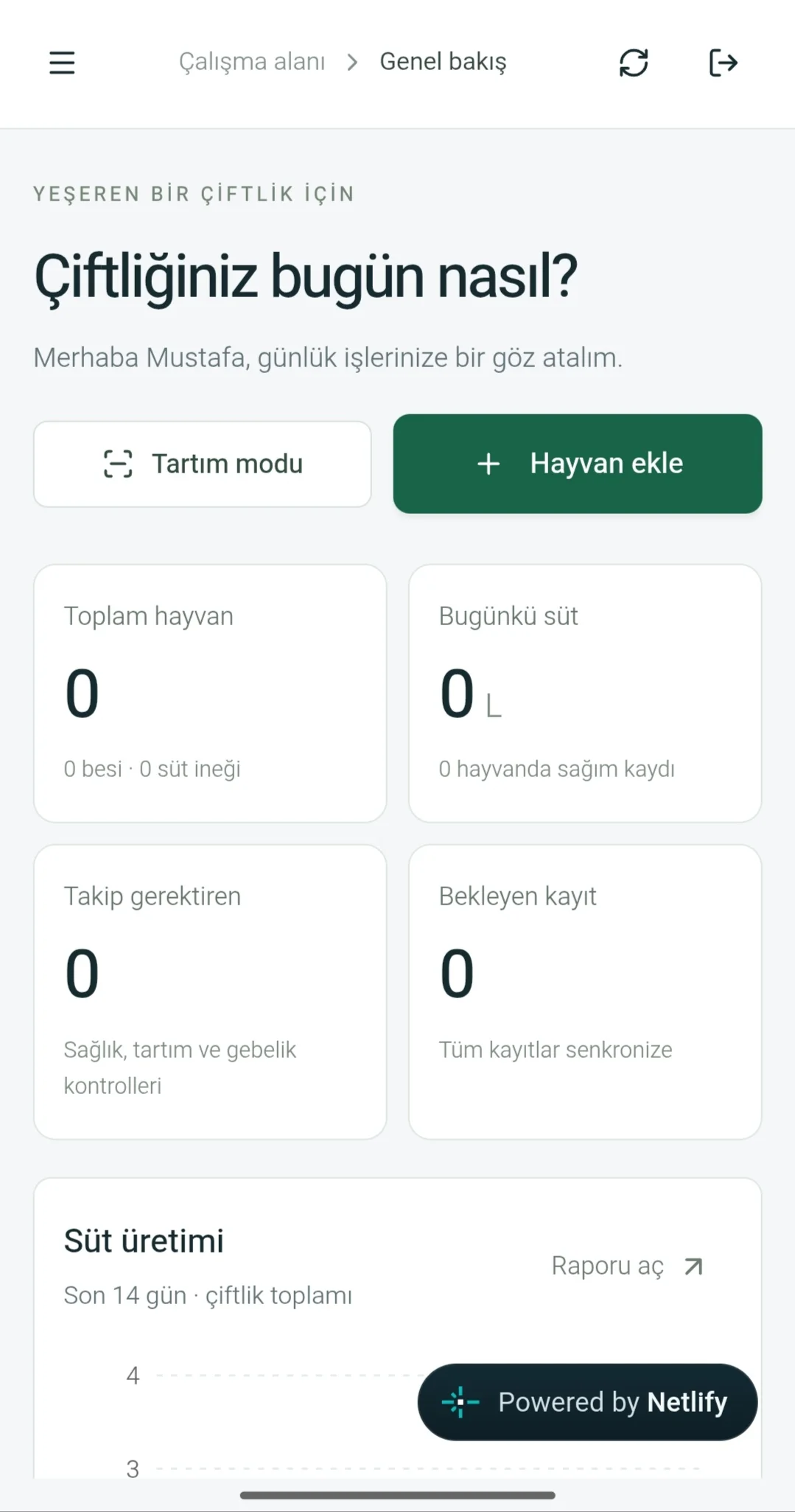
MK Farm
A management app that connects individual animal records with the farm's daily work.
Open live demo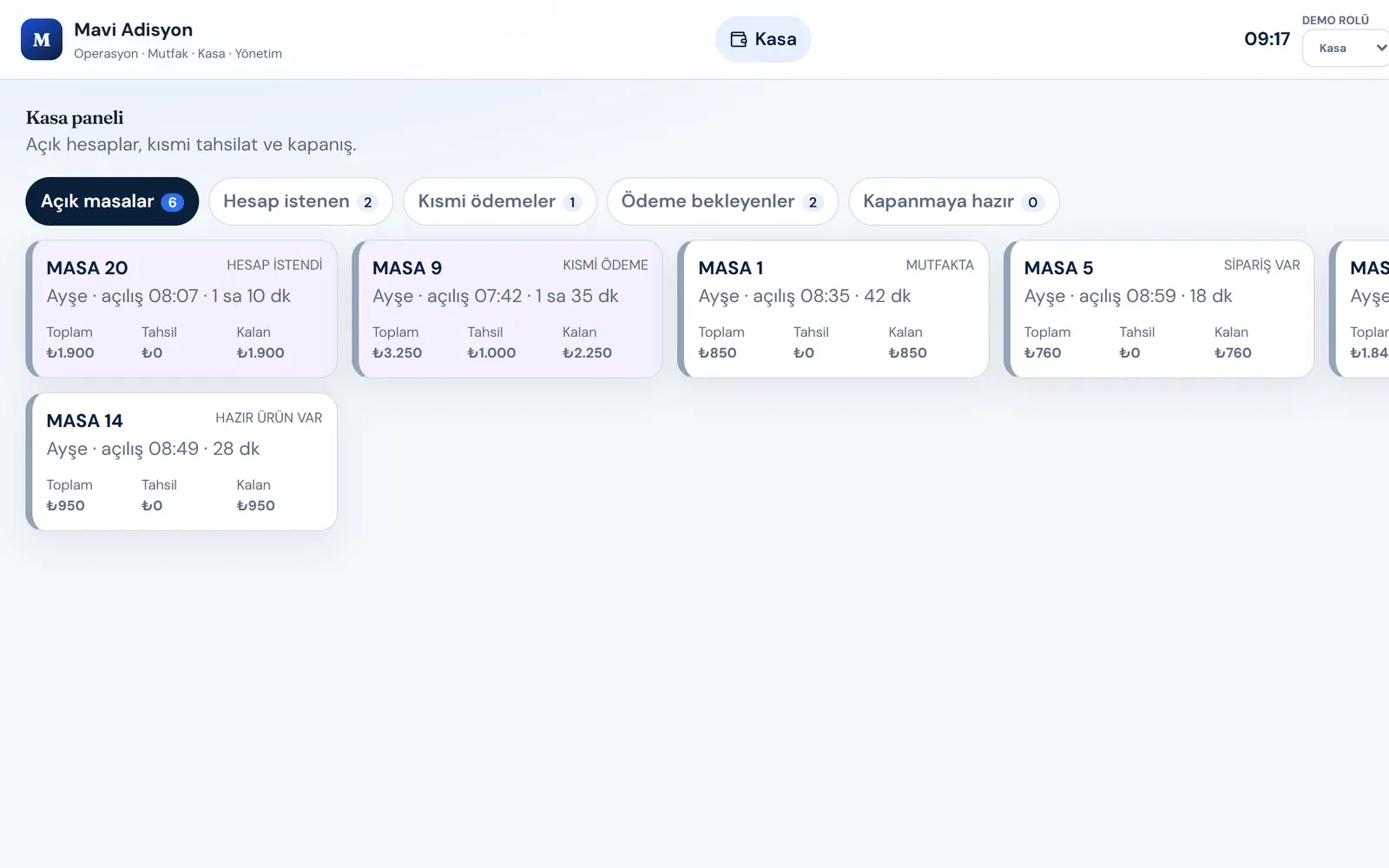
MK Adisyon
An ordering and bill product for restaurants and cafés, with a working web system and a mobile app in closed testing.
Web app · Open live demo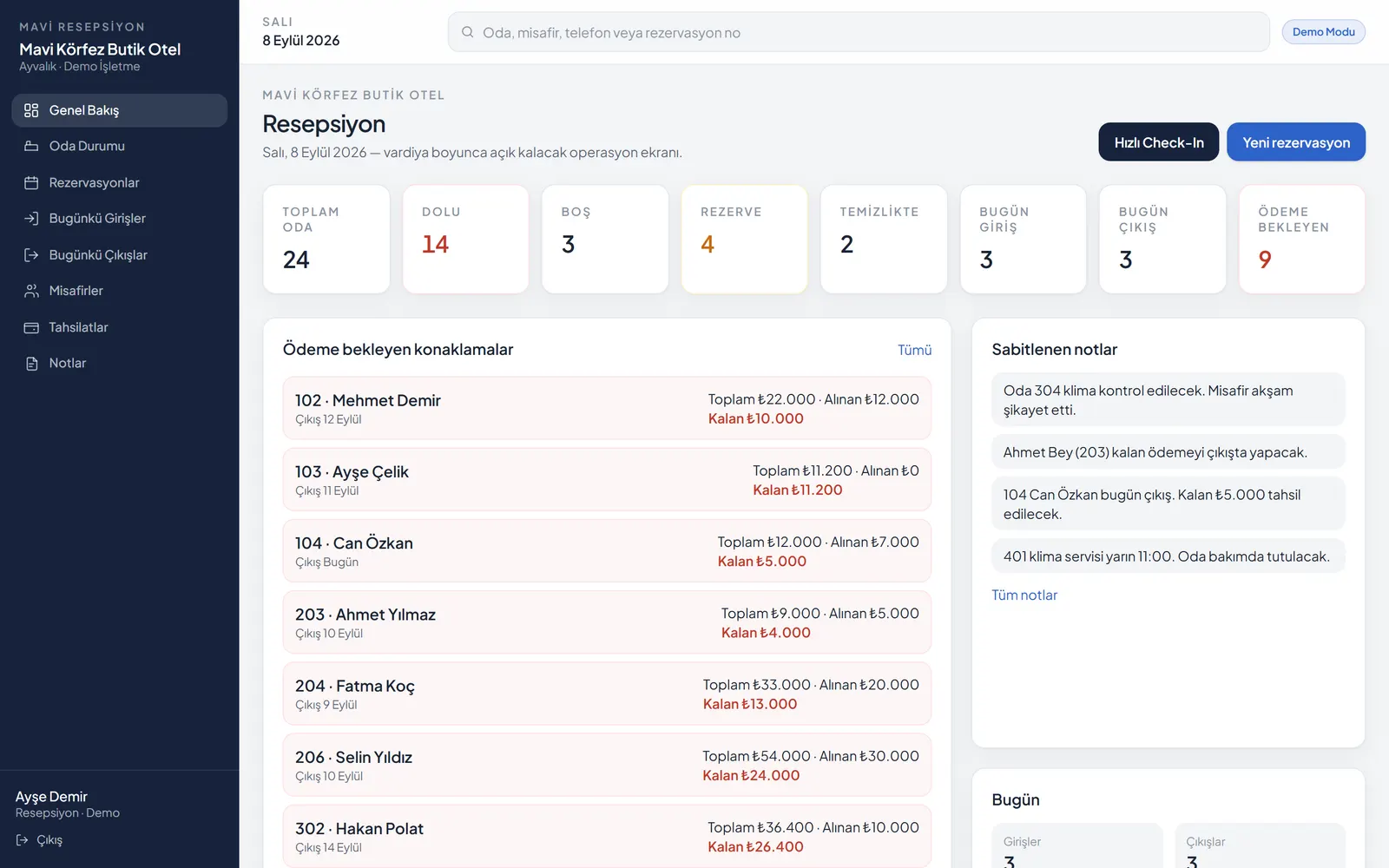
MK Resepsiyon
An operations system for hotels and guesthouses connecting the room plan, check-in and payments.
Open live demoFacing a similar problem?
If you want to bring field work and office tracking together, tell us how your day runs today and we’ll shape the right approach together.